
Give your documents a professional touch – upload your company logo and stamp with signature to automatically display them on invoices, quotes and orders.
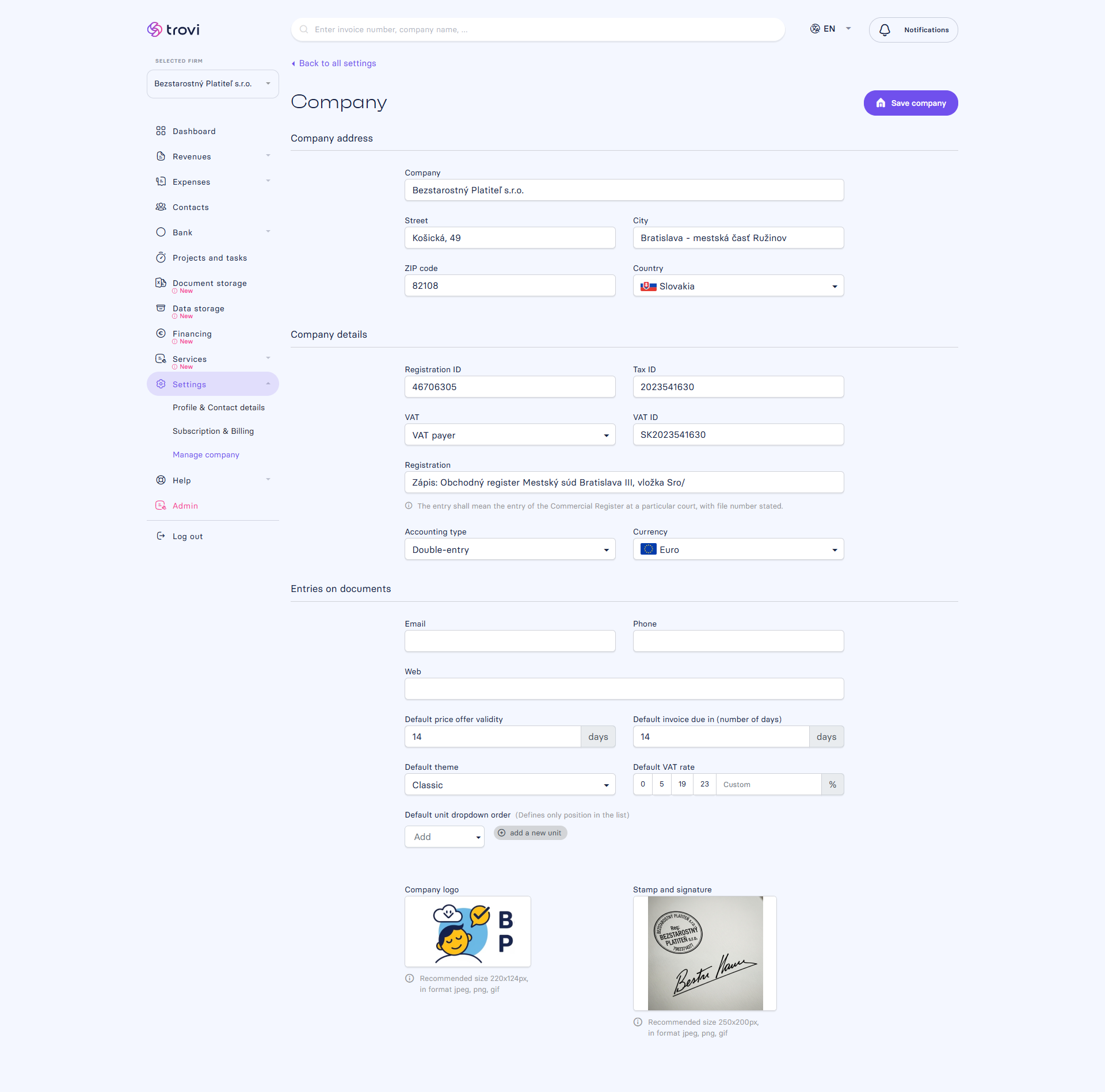
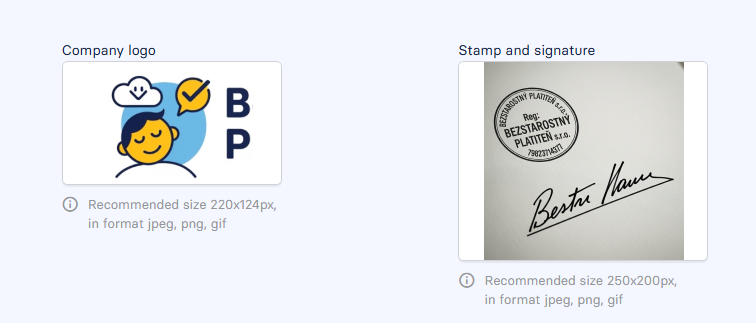
📥 How to upload your logo and stamp?
- Go to Settings → Manage company → Company
- Scroll down to the Company logo and Stamp and signature sections
- Click “Add” and upload your image file in one of the supported formats:
.png.jpg.gif
📌 Once uploaded, the visuals will automatically appear on your PDF documents – no extra setup needed.
📐 Recommended sizes
- Logo: max 220 × 60 px
- Stamp and signature: max 250 × 200 px
👉 Make sure to use good-quality images with transparent or clean backgrounds to keep your documents looking sharp.
✨ Why use it?
- 🔒 Ensures a consistent visual identity for your company
- 📄 All your documents look professional and trustworthy
- 🧾 Use your custom branding without relying on a designer
🛠️ Tip: If you manage multiple companies, you can upload a different logo and stamp for each one under its own settings.
📝 This article was translated with AI. If you notice any inconsistency, feel free to let us know.