
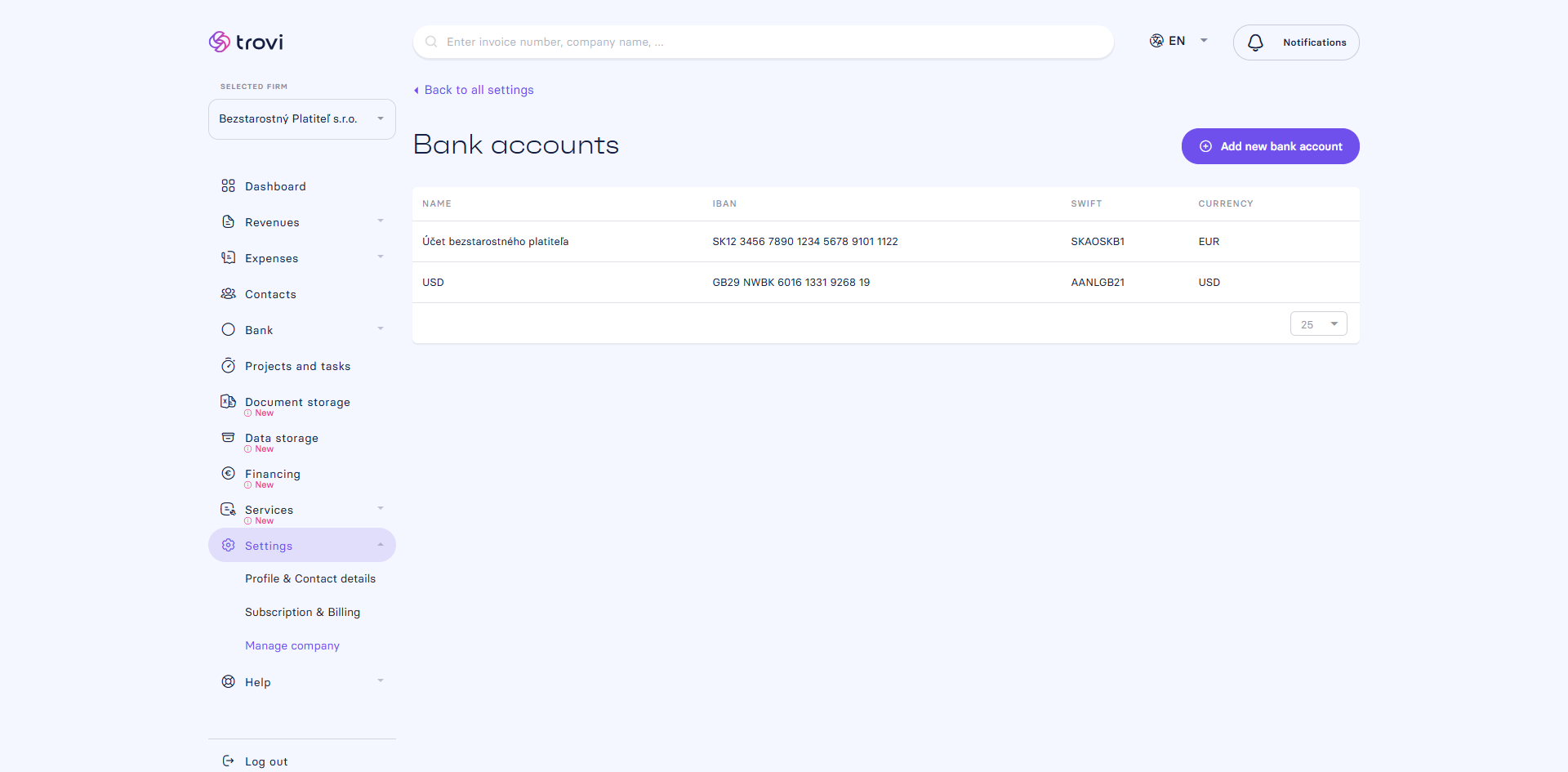
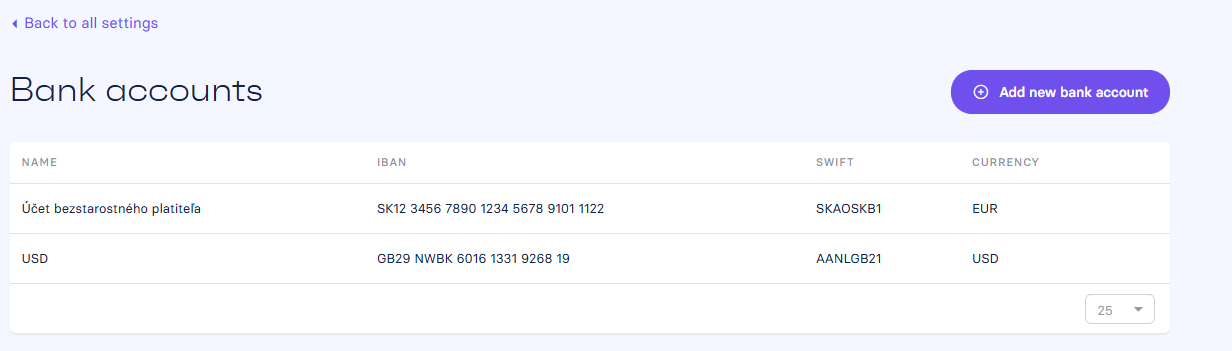
If your company uses multiple bank accounts, you can easily add them to Fakturácia and use them both for issuing invoices and managing expenses.
🔹 Where to set it up?
- Go to Settings → Manage Company → Bank Accounts
- You can add any number of accounts here, and they will be available when issuing documents.
- You can also add a new account directly while creating an invoice – quickly and without disruption.
💡 If you’re using automatic payment matching, the system will automatically work with all your added accounts. Learn more in the Automatic Payment Matching section.
📝 This article was translated with AI. If you notice any inconsistency, feel free to let us know.