
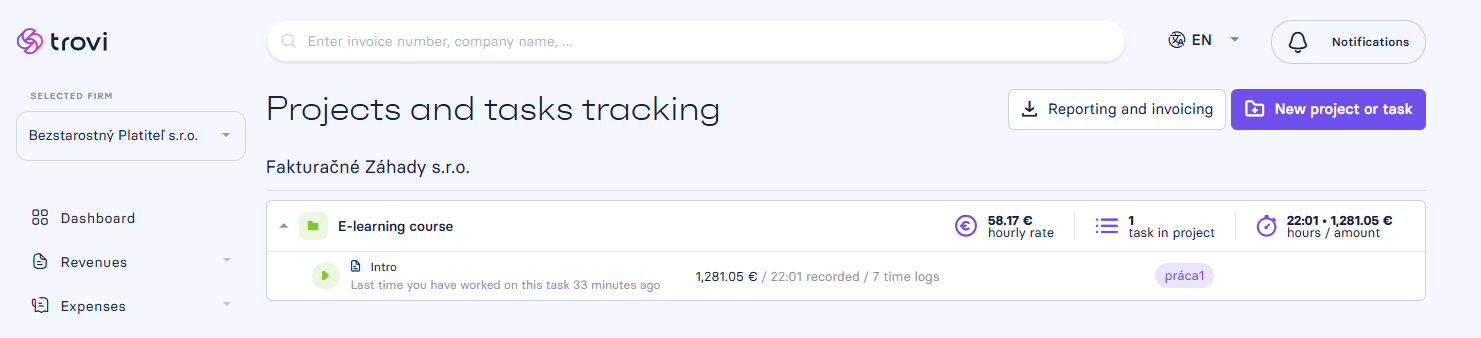
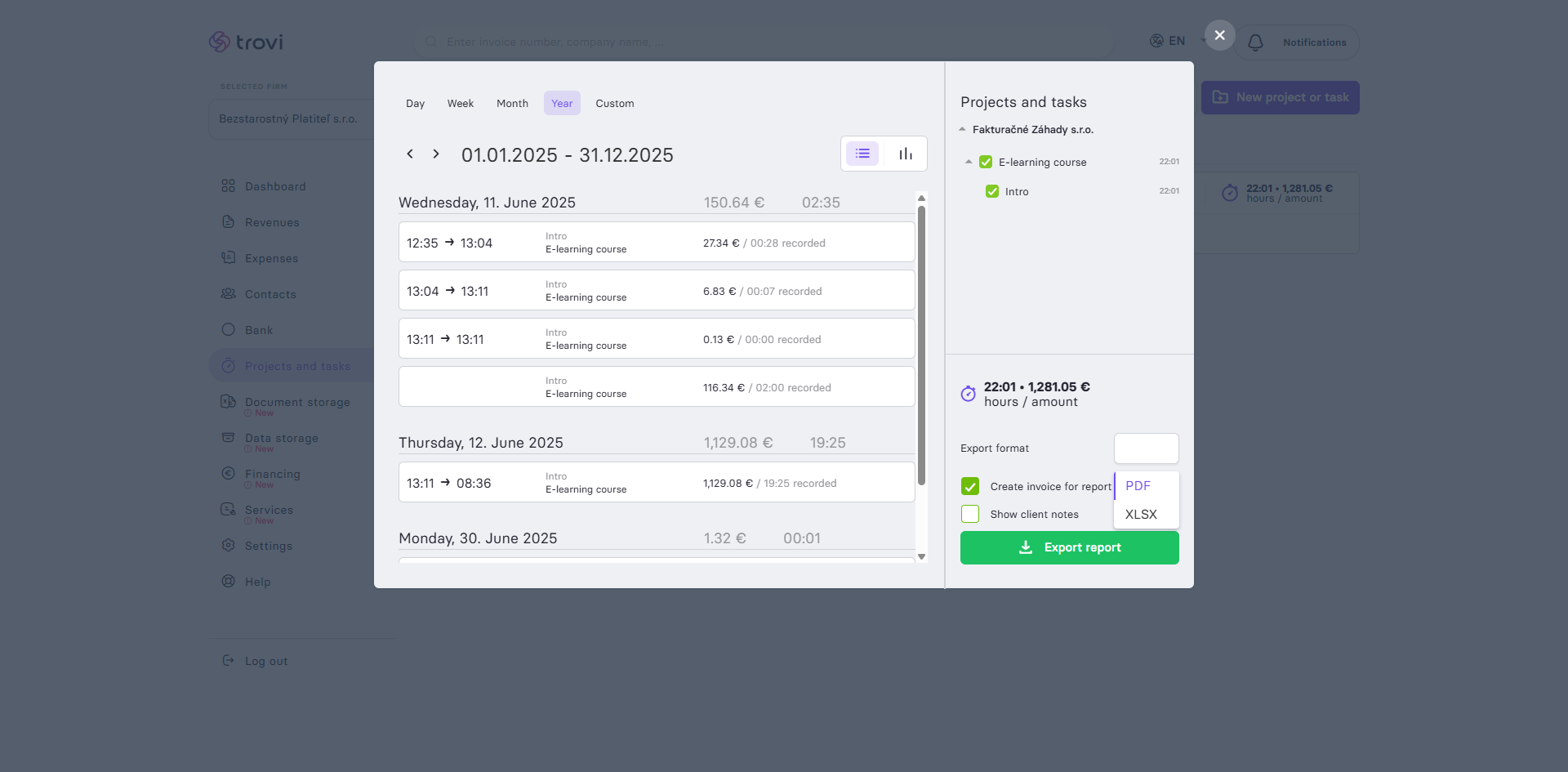
📄 Get the exact work report you need. In Fakturácia, you can choose exactly what and for which period you want to report — whether it's a full month, a specific week, day, or a custom range.
✅ Export options:
- Select the time range (day, week, month, year, or custom)
- Choose which projects and tasks to include
- Export the report in:
- XLSX (e.g. for further processing in Excel)
📤 From report to invoice:
- Activate the option "Create invoice from report"
- Click the "Export report" button to generate the report and simultaneously create a ready-to-send invoice
- You can then send the invoice directly from Fakturácia
💡 Extra tip:
Enable "Show client notes" if you want to include comments for individual tasks in the export.
📝 This article was translated with AI. If you notice any inconsistency, feel free to let us know.